Odoo POS Development: Add WhatsApp & SMS Receipt Sharing for Customers
Odoo expert with 12 years in enterprise software. I write about Odoo, workflow automation, and system integrations to help developers and businesses build efficient, real-time solutions.
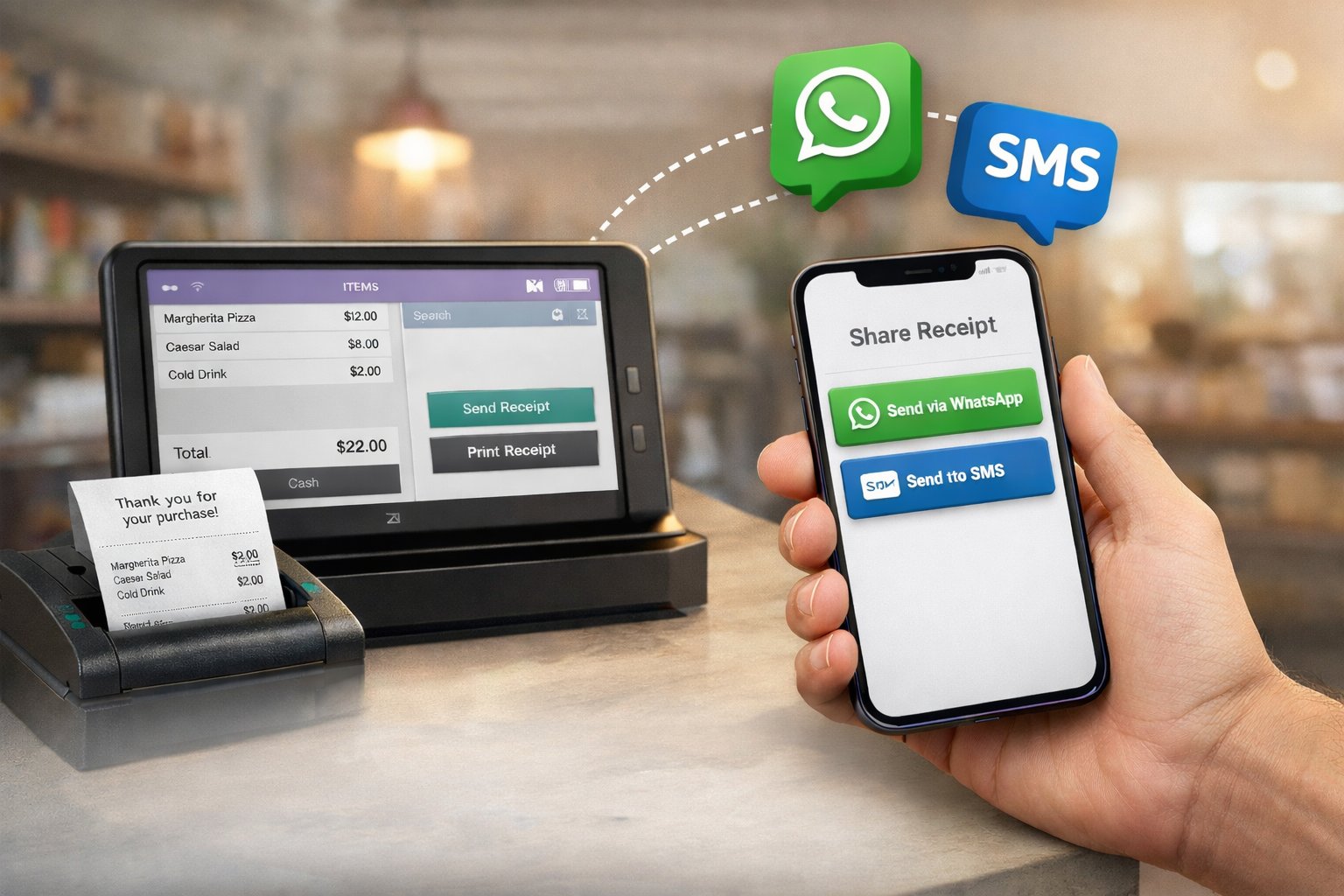
Today’s customers expect receipts the same way they expect updates: fast, digital, and on the channel they already use. That’s why businesses are now prioritizing WhatsApp and SMS receipt sharing right inside the billing flow. With Odoo Pos Development, you can turn a simple “print receipt” moment into a smarter customer experience that feels modern, reduces paper waste, and strengthens brand trust.
When a customer checks out, they often want a copy of the bill for returns, warranty, expense claims, or just for personal tracking. But paper receipts get lost, fade, tear, or end up in the trash within minutes. Digital receipts solve this problem instantly. WhatsApp receipts are perfect for customers who prefer a message they can search later, while SMS is ideal when internet is weak or the customer wants a simple text confirmation. With Odoo Pos Development, you can offer both options in one clean screen—so staff don’t waste time, and customers leave happier.
Why WhatsApp & SMS receipts matter in real stores
This feature is not only “nice to have.” It directly impacts operations and customer satisfaction:
Faster checkout: Staff can share receipts in seconds instead of dealing with printer issues.
Less paper cost: Lower printer roll usage and maintenance.
Better customer retention: Customers remember brands that make their life easier.
Fewer disputes: Digital receipts are clear, trackable, and easy to re-send.
Eco-friendly brand image: Many customers value paperless options today.
With Odoo Pos Development, you can configure receipt sharing in a way that matches your store type—retail, restaurant, pharmacy, electronics, or multi-location franchises.
How this works inside Odoo POS
A well-planned receipt-sharing flow should be simple for staff. Typically, after payment is confirmed, the POS shows an option like:
Print Receipt
Share via WhatsApp
Send via SMS
Email Receipt (optional)
The cashier enters the customer’s phone number (or selects it automatically if the customer is already saved). Then the receipt is sent instantly. With Odoo Pos Development, you can also allow customers to self-enter the number on a customer display or QR flow to reduce manual typing and mistakes.
What you can include in the digital receipt
A digital receipt can be more than a list of items. With Odoo Pos Development, you can format it professionally and include:
Store name, address, GST/VAT details
Invoice number, date/time, cashier name
Item details, tax breakdown, discounts
Payment method (UPI, card, wallet, cash)
Return/exchange policy link
Warranty information (electronics, appliances)
A thank-you message and brand tagline
A feedback link or Google review link (optional)
This small improvement can increase repeat business because your receipt becomes a soft “brand touchpoint,” not just a bill.
WhatsApp receipt sharing: best for engagement
WhatsApp is widely used, especially for retail and local businesses. Customers find WhatsApp receipts convenient because they can forward them, save them, and access them anytime. With Odoo Pos Development, you can design WhatsApp receipt messages to look clean and branded. You can also attach a PDF invoice or send a secure link to view/download the invoice.
For businesses that handle returns or warranty claims, WhatsApp receipts reduce friction. The customer simply shows the message at the store, and your staff can locate the transaction quickly.
SMS receipt sharing: best for speed and coverage
SMS is universal. It works without apps, without data, and in low-network areas. That’s why SMS receipts remain important for high-volume counters and rural or semi-urban stores. With Odoo Pos Development, SMS can send a short summary and a link to the full receipt (if needed). This keeps the message lightweight and fast.
Key controls you should add for safety and compliance
A professional implementation isn’t just about sending messages. It should also protect customer privacy and maintain business control. With Odoo Pos Development, you can add:
Consent checkbox (“Customer agrees to receive receipt via WhatsApp/SMS”)
Auto-masking of sensitive data
Rate limits to prevent misuse
Logs of sent messages for support teams
Retry and fallback (WhatsApp fails → offer SMS)
Templates for different outlets or brands
Real business benefits you’ll notice
After implementing WhatsApp and SMS receipts, many stores see measurable improvements: fewer “lost receipt” complaints, smoother returns, reduced printer dependency, and improved customer perception. And when combined with loyalty points, coupons, or membership systems, digital receipts become a powerful tool for repeat sales.
Most importantly, Odoo Pos Development helps you implement this feature in a clean, scalable way—so it works across multiple stores, multiple cashiers, and multiple devices without confusion.
Odoo Links:-https://sdlccorp.com/services/odoo/odoo-pos-development-company/